· Reviews · 6 min read
SMS vs Email for Review Requests: Which Gets More Google Reviews?
We compared SMS, email, and WhatsApp for review requests. The data shows a clear winner, but the best strategy uses more than one channel.
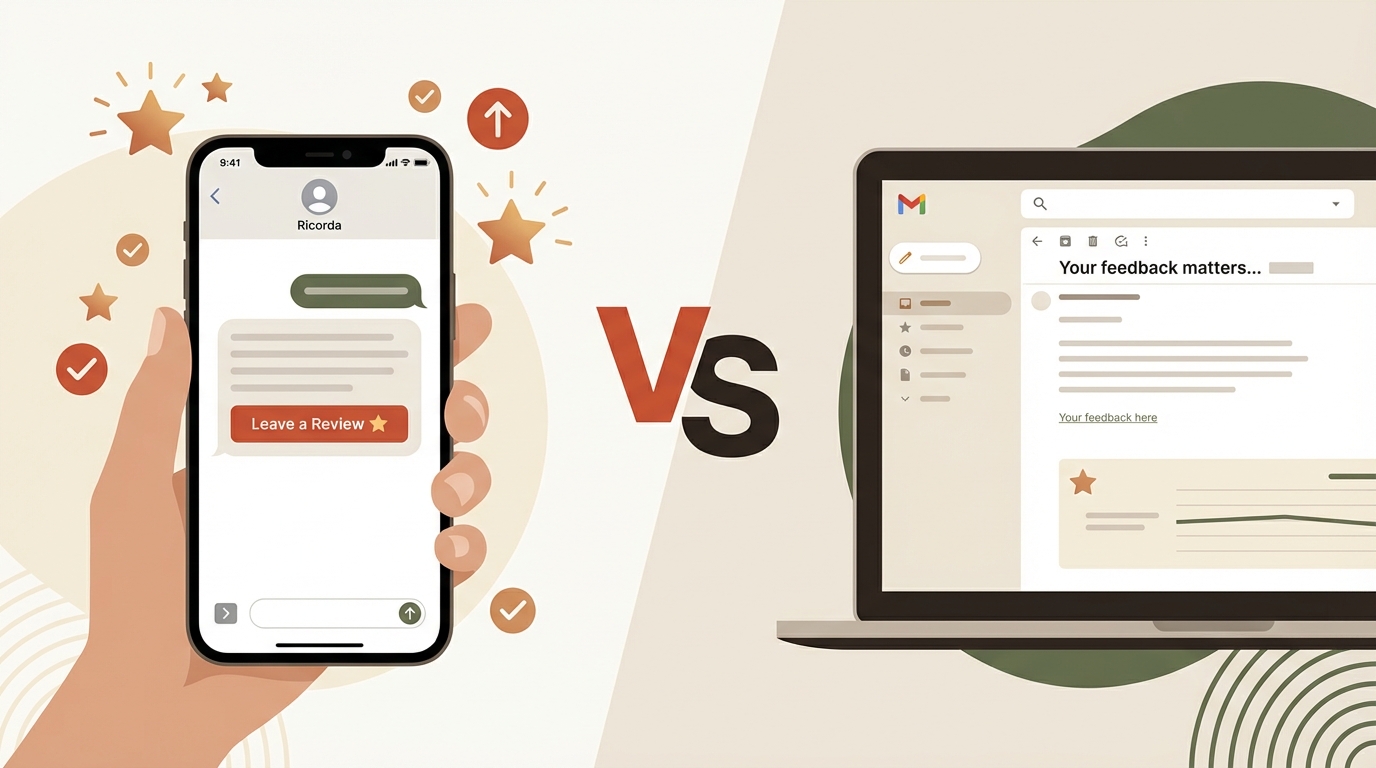
When it comes to asking customers for Google reviews, the channel you use matters almost as much as what you say. Most businesses default to email because it feels safe and professional. But the data strongly favors a different approach.
Here’s a full comparison of SMS, email, and WhatsApp for review requests, including when to use each one.
The quick answer
SMS wins. By a significant margin.
Text messages produce 3-5x higher response rates for review requests compared to email. But the best strategy isn’t SMS-only. It’s SMS-first with email as a backup.
SMS vs email: head-to-head comparison
| Metric | SMS | |
|---|---|---|
| Open rate | 98% | 20% |
| Average time to open | 3 minutes | 6 hours |
| Response rate for review requests | 15-25% | 3-8% |
| Requires internet connection | No | Yes |
| Character/length expectation | Short (160 chars) | Medium-long |
| Perceived as personal | Yes | Depends |
| Spam filter risk | Very low | High |
| Cost per message | $0.01-0.02 | $0.001-0.01 |
| Opt-out required | Yes (TCPA/CASL) | Yes (CAN-SPAM/CASL) |
The numbers are clear, but understanding why SMS wins reveals what actually drives review completion.
Why SMS works so well for review requests
Speed
The average text message is read within 3 minutes of delivery. Email sits in an inbox for hours, gets buried under newsletters, or lands in a promotions tab.
For review requests, speed matters because customer motivation peaks right after a positive experience. A text arriving while they’re still thinking about your great service converts at a much higher rate than an email they find the next morning.
Simplicity
A text message is inherently brief. There’s no subject line, no header image, no unsubscribe footer, no “View in browser” link. Just a short message and a link.
This simplicity works in your favor. The customer sees your message, taps the link, and they’re on your Google review page. Two steps, done.
Compare that to email: open the email app, find the email among 30 others, open it, scroll past the header, find the link, tap it, wait for the browser to open. Most people quit somewhere in that chain.
Mobile-native
Your customers are already on their phones. Text messages are the most natural communication channel on a mobile device. There’s no app switching, no loading time, no authentication required.
When a review link arrives via text, it’s one tap to open and the customer is immediately writing their review on their phone’s browser. The entire flow happens on one device, in one fluid motion.
Personal feel
Text messages feel like they’re from a person, not a company. This matters enormously for small businesses.
A text saying “Hi Sarah, thanks for choosing us today! Would you mind leaving a quick Google review?” reads like a message from someone who remembers you and values your business.
The same message via email, wrapped in a branded template with a company logo and footer links, reads like marketing automation.
No spam filters
Email review requests frequently land in spam, promotions tabs, or get blocked entirely. Gmail’s promotions tab alone can reduce open rates by 50%.
SMS has no equivalent filtering. The message arrives in the customer’s primary inbox, alongside texts from friends and family.
When email still makes sense
Email isn’t useless for review requests. It serves specific purposes:
When you only have an email address. Some businesses (accountants, lawyers, consultants) primarily communicate via email. If you don’t have the customer’s phone number, email is your best option.
As a secondary channel. If an SMS doesn’t get a response, following up via email can capture a few additional reviews. Different channels reach customers in different contexts.
For longer-form communication. If your review request is part of a post-service summary (receipt, project report, follow-up notes), email is the right container.
For certain demographics. Some customer segments check email more diligently. B2B clients and professional services customers may respond better to email.
WhatsApp: the third option
WhatsApp is increasingly relevant for review requests, particularly for businesses with younger customer bases or in markets where WhatsApp is dominant.
| Metric | SMS | ||
|---|---|---|---|
| Open rate | 98% | 98% | 20% |
| Response rate | 15-30% | 15-25% | 3-8% |
| Rich media support | Yes | Limited | Yes |
| Cost per message (outbound) | ~$0.005 | ~$0.011 | ~$0.005 |
| Cost per message (inbound) | Free | ~$0.008 | Free |
| Global reach | Strong (2B+ users) | Universal | Universal |
| Opt-in requirement | Strict | Strict | Moderate |
WhatsApp matches SMS on open rates and often exceeds it on response rates, thanks to richer message formatting (buttons, images) and the conversational feel of the platform.
The cost advantage is significant: WhatsApp outbound messages cost roughly half of SMS, and inbound messages are free. For businesses sending hundreds of review requests monthly, this adds up.
When to use WhatsApp
- Customers who already communicate with you via WhatsApp
- Markets where WhatsApp is the default messaging app
- When you want richer message formatting (tap-to-review buttons)
- To reduce per-message costs at scale
Ricorda supports both SMS and WhatsApp, automatically choosing the best channel for each customer.
The cost breakdown
For a business sending 100 review requests per month:
| Channel | Cost per Message | Monthly Cost | Expected Reviews |
|---|---|---|---|
| SMS | ~$0.011 | ~$1.10 | 15-25 |
| ~$0.005 | ~$0.50 | 3-8 | |
| ~$0.005 | ~$0.50 | 15-30 |
The cost difference between channels is minimal. The response rate difference is massive. Saving $0.60/month on email while getting 60-70% fewer reviews is a bad trade.
Best practices by channel
SMS best practices
- Keep it under 160 characters when possible (avoids multi-segment messages)
- Personalize with the customer’s name and the service you provided
- Include a direct link — not “find us on Google”
- Send within 1-2 hours of job completion
- One follow-up max after 48 hours
- Include opt-out instructions (required by law in most jurisdictions)
Email best practices
- Short subject line: “Quick favor?” or “How was your experience?”
- Plain text or minimal design — avoid heavy branding that screams “marketing email”
- One clear call-to-action — the review link, nothing else
- Send from a person’s name (not “noreply@company.com”)
- Keep the body to 3-4 sentences max
WhatsApp best practices
- Use approved message templates (required by Meta for business-initiated messages)
- Include a tap-to-review button when possible
- Be conversational — WhatsApp messages should feel like chat, not broadcast
- Respect the platform’s norms — don’t send at odd hours
The recommended strategy: SMS-first, multi-channel
The highest-performing review request strategy combines channels:
- SMS immediately after job completion (captures 70% of potential reviewers)
- Follow-up SMS 48 hours later to non-responders (captures another 10-15%)
- Email follow-up 5 days later if you have their email and still no review (captures a few more)
This layered approach maximizes coverage while respecting customers who don’t respond.
If you’re manually managing this, it’s a lot to track. Which customers got which messages? Who responded? Who left a review? Who opted out?
That’s where automation comes in.
Automating multi-channel review requests
Ricorda handles the full sequence automatically:
- Sends the initial review request via SMS or WhatsApp (your choice)
- Tracks responses and review submissions
- Sends follow-ups to non-responders at the right intervals
- Stops messaging when a review is posted or the customer opts out
- Thanks customers who leave positive reviews
- Alerts you immediately for negative reviews
You just text us when the job is done. The system handles which channel, what timing, and when to stop.
Getting started
- Generate your free Google review link — you’ll need this for any channel
- Text your next 10 customers after completing their jobs
- Track the results — you’ll likely see 2-4 reviews from those 10 requests
- Try Ricorda if you want to automate the whole process across SMS and WhatsApp
The channel you use matters. SMS wins for review requests, and it’s not close. Start texting your review link today.