
· Reviews · 8 min read
How to Get More Google Reviews as a Contractor
A practical guide for general contractors who want more Google reviews — how to turn completed projects into five-star reviews that win you the next bid.
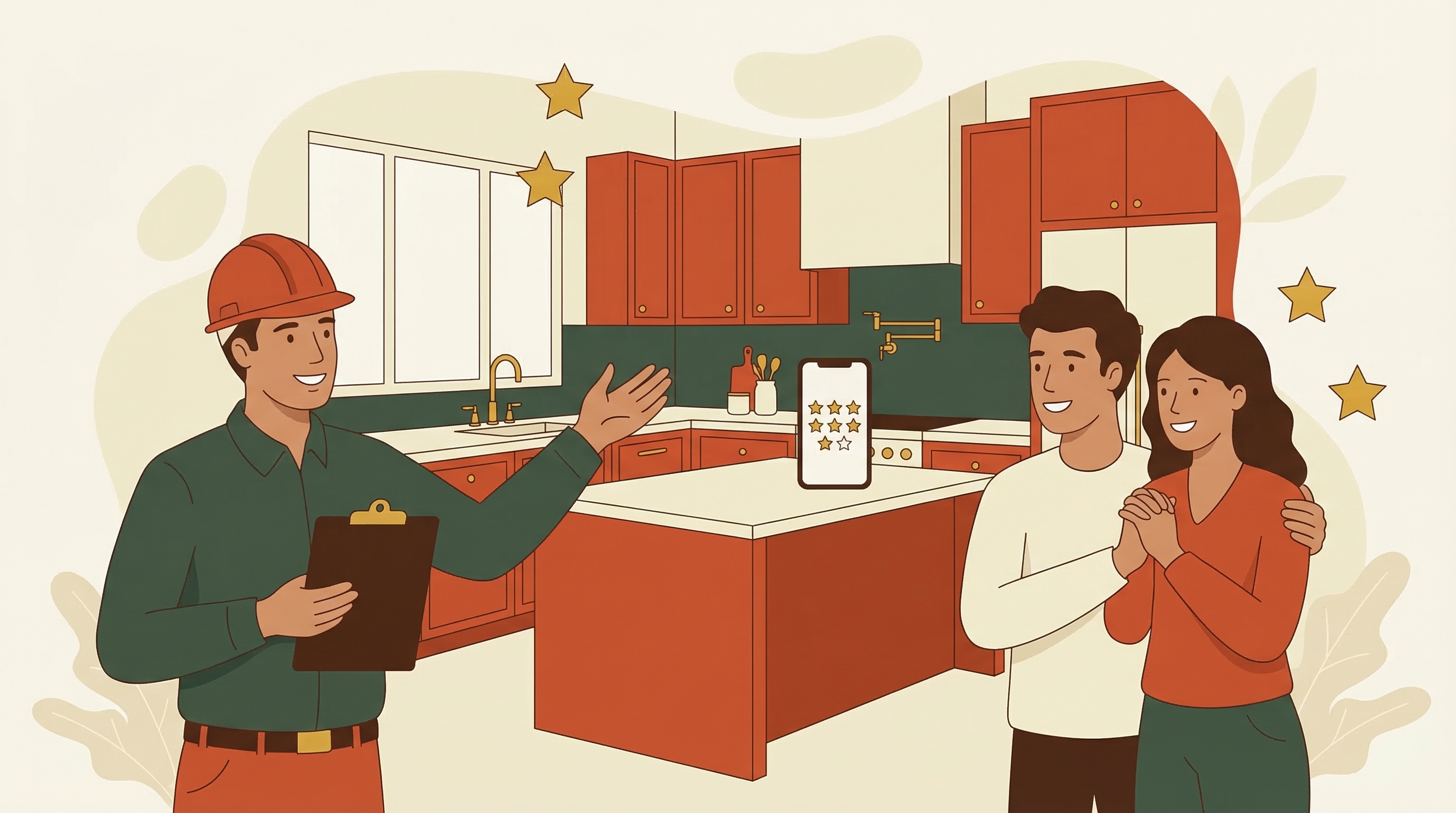
General contractors have a unique challenge when it comes to Google reviews: your projects take weeks or months, not hours.
A plumber fixes a burst pipe and asks for a review the same day. An electrician swaps a panel and sends a text that evening. But when you’re managing a kitchen renovation that runs six weeks, or a basement finish that takes three months, the “moment of satisfaction” isn’t as clean or obvious.
That doesn’t mean you can’t build a strong review profile. It means you need a different approach — one that accounts for the longer timeline and the deeper relationship you build with your customers along the way.
93% of consumers read online reviews before hiring a local service provider. For contractors specifically, the numbers matter even more because the jobs are expensive. A homeowner hiring someone for a $30,000 renovation isn’t going to pick the first name they see. They’re going to read every review they can find, look at the details, and make a judgment about whether you’re trustworthy, competent, and easy to work with.
Strong reviews aren’t just a nice ranking signal. They’re the reason someone calls you instead of the other three contractors they’re considering.
When to Ask: The Contractor’s Timeline
The final walkthrough
This is your single best opportunity. The project is done, the space looks incredible, and the customer is seeing the finished product for the first time (or the first time with everything cleaned up and complete). Their satisfaction is at its absolute peak.
Don’t let this moment pass without asking. The final walkthrough is when the customer is most emotionally connected to the result — and most willing to tell the world about it.
After a successful inspection
If the job required a building inspection and it passed on the first try, that’s a confidence-building moment for the customer. They were probably a little nervous about it. When you tell them everything passed, the relief and trust they feel is a great setup for a review request.
When you solve an unexpected problem
Every renovation uncovers surprises. Rotten subfloor. Outdated wiring. A load-bearing wall where the plans said there shouldn’t be one. When you handle these curveballs professionally — explaining the issue, offering solutions, keeping the project on track — the customer notices. These moments often generate the most detailed and enthusiastic reviews.
After the warranty period (a second chance)
Here’s one most contractors miss entirely. If you offer a warranty on your work, the end of that warranty period is another natural touchpoint. A quick check-in message — “Hey, it’s been a year since we finished your kitchen. How’s everything holding up?” — reminds them of the great experience and gives them a reason to leave a review they might not have left before.
When NOT to ask
Don’t ask during the messy middle of a project. Don’t ask when there’s an active change order dispute. Don’t ask when the project is running behind schedule. Wait until the dust settles — literally and figuratively — and the customer is happy with the result.
For more on timing strategies, see our guide on how to ask customers for reviews.
What to Say: Review Request Scripts for Contractors
In person, at the final walkthrough
“We’re really happy with how this turned out, and I hope you are too. If you get a chance in the next day or two, a Google review would mean a lot to us. Most of our new customers find us by searching online, and hearing from someone who went through a full renovation like this helps them feel confident choosing us.”
Via text, the day after project completion
“Hi [Name], this is [Your Name] from [Business]. Now that the dust has settled (literally!), I wanted to check in — are you happy with everything? If so, a quick Google review would really help us out: [link]. Thanks for trusting us with your home.”
Follow-up text (one week later)
“Hi [Name], hope you’re enjoying the new [kitchen/bathroom/basement]! If you haven’t had a chance yet, we’d really appreciate a Google review: [link]. It helps other homeowners find a contractor they can trust.”
The key with contractor review requests is referencing the specific project. “Your kitchen renovation” is better than “the work we did.” It helps the customer mentally return to that moment of satisfaction and gives them material for a detailed review.
For more templates, see our full guide on how to get more Google reviews.
Why Contractor Reviews Are Worth More
Contractor reviews tend to be longer and more detailed than reviews for other trades. That’s because the customer spent weeks or months working with you, and they have a lot to say — about your communication, your crew, your problem-solving, your cleanliness, your timeline management.
This is a huge advantage for two reasons:
Detailed reviews convert better. A homeowner considering a $40,000 renovation isn’t persuaded by “Great work, 5 stars.” They want to read about someone else’s experience from start to finish. Long, detailed reviews provide that social proof.
Detailed reviews boost your local SEO. Google’s algorithm gives more weight to reviews that contain relevant keywords. When a customer writes about “kitchen renovation,” “basement finishing,” or “home addition,” those terms help you rank for exactly those searches.
The trade-off is that contractors typically complete fewer jobs per month than a plumber or electrician. You might do 2-4 projects a month instead of 20-40 service calls. That makes every single review request more important. You can’t afford to skip any.
QR Codes and Leave-Behind Materials
Since contractor projects involve multiple touchpoints with the customer, you have more opportunities to put your review link in front of them.
On your final invoice
Add a QR code that links directly to your Google review page. The customer sees it when they’re reviewing the final bill — right when they’re thinking about the value they received.
On a project completion card
Some contractors create a simple card they hand over at the final walkthrough. Something like: “Thanks for trusting us with your home. If you’re happy with the work, we’d love a Google review.” Include a QR code and your business name.
On your project binder or warranty documents
If you provide a project binder with warranties, manuals, and care instructions (and you should — it’s a great touch), include a page with your review link and QR code. The customer will reference this binder for years.
For setup instructions, check out our guide on creating a Google review QR code.
Text Messages: Still the Best Channel
Even though your projects are longer and the relationship is deeper, text messages remain the most effective way to request reviews after the project wraps up. SMS has a 98% open rate compared to about 20% for email, and your customers — homeowners — are on their phones, not at desks.
The timing is different for contractors, though. Instead of texting an hour after the job, text the day after the final walkthrough. Give the customer time to settle into the finished space, show it off to their spouse or friends, and let the excitement build. Then send your request.
For the full comparison, read our breakdown of SMS vs email for review requests.
Automating Reviews for a Contractor Business
The biggest risk for contractors isn’t that customers won’t leave reviews. It’s that you’ll forget to ask. When you’re managing multiple active projects, coordinating subcontractors, and handling permits, sending a review request text is easy to overlook.
Automation solves this. When a project is marked complete, an automated text goes out to the customer with your Google review link. If they don’t respond in a couple of days, a follow-up goes out. When they leave a review, the system stops and sends a thank-you.
Tools like Ricorda handle this entire workflow — you mark the job done, and the review request sequence runs automatically. No app to check, no CRM to update, no text to remember to send.
For more on how this works, see our post on automated Google review requests.
Getting Started: A Simple Plan
Get your Google review link. Go to your Google Business Profile, click “Ask for reviews,” and copy the short URL.
Add it to your final walkthrough process. Whether that’s a verbal ask, a printed card, or a QR code on the invoice, make it a standard part of how you close out every project.
Text every customer the day after completion. Save a template on your phone. Personalize it with the project type and the customer’s name. Send it.
Follow up one week later. If they haven’t reviewed, send a gentle reminder. Reference the specific project.
Automate when you’re ready. Once you see reviews coming in, set up automation so you never have to think about it again.
Even at 2-4 projects a month, consistent review requests add up. If half your customers leave a review, that’s 12-24 new reviews a year. In most local markets, that’s enough to make you the most-reviewed contractor in your area.
68% of customers will leave a review when asked. The ones who just finished a project they love — a new kitchen, a finished basement, a home addition — are even more likely. You just have to ask.